Top 5 AI Headshot Generators Compared
Hands-on comparison of the top 5 AI headshot generators in 2026: Headshot Generator AI, Secta AI, The Multiverse AI, HeadshotPro, and Aragon AI, with live pricing.

Booking a portrait photographer takes half a day and usually costs $200 to $500 once you factor in studio time and retouching. If you just need a clean photo for LinkedIn, a speaker bio, or a company team page, that is a lot of friction.
An AI headshot generator gets you 90% of the way there from your phone camera. I refresh photos for my own site and founder profiles fairly often, so I tested the top tools to see which ones actually look like you and which ones turn your face into plastic.
Here is how the five strongest options compare on turnaround time, input photos needed, and live pricing as of November 2026.
| Tool | Starting Price | Input Selfies | Turnaround | Best For |
|---|---|---|---|---|
| Headshot Generator AI | $9.99 (5 free previews) | 1 to 3 selfies | ~1 minute | Fast personal refresh with free previews |
| Secta AI | $49 one-time | 20 to 50 selfies | Under 2 hours | Deep post-generation editing |
| The Multiverse AI | $29.99 one-time | 12 to 15 selfies | 10 to 15 min (under 30 min) | Text-prompt edits and 100+ shots |
| HeadshotPro | $29 individual / $31.20 down to $19.50 team | 1 to 3 selfies | 15 min to 2 hours | Remote teams needing uniform style |
| Aragon AI | $35 promo ($44 list) | A few selfies | 15 to 45 minutes | Preset attire and backdrop tiers |
1. Headshot Generator AI
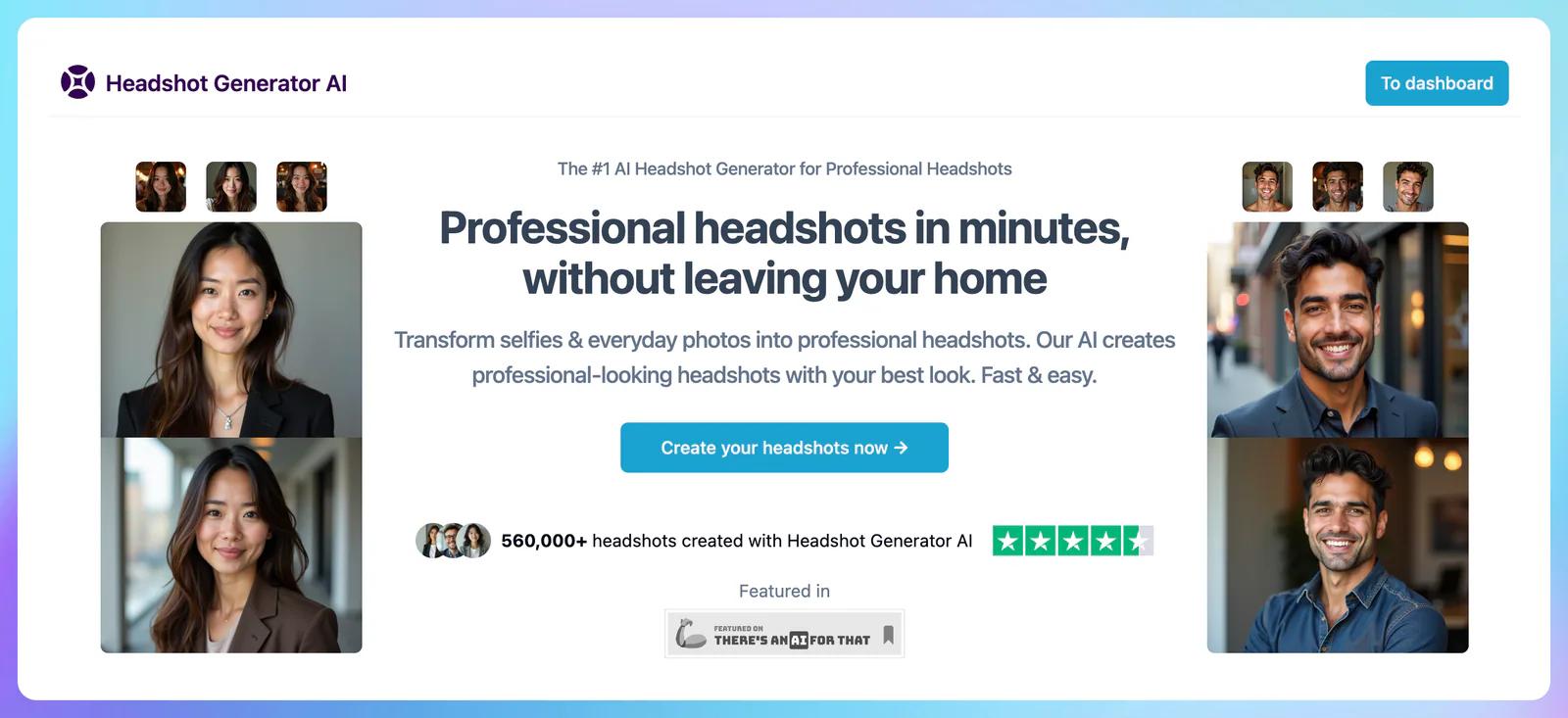
Headshot Generator AI is the fastest place to start, and full disclosure, it is one of our own tools. Instead of making you pay upfront and wait an hour for a model to train, you upload 1 to 3 phone photos, pick a studio, office, or outdoor style, and see previews in about a minute.
Why it stands out:
- Try before paying: Every new account gets 5 free watermarked previews with no credit card required, so you can check facial likeness before spending money.
- Low entry price: One-time credit packs with no subscription. Starter is $9.99 for 20 credits, Value is $29.99 for 120 credits, and Flash is $49.99 for 300 credits (1 credit for standard resolution, 2 credits for High/4K).
- Wide style library: Corporate, executive, LinkedIn, outdoor, and film looks without needing to write prompts from scratch.
- 14-day refund policy: If none of the generated portraits work for you, you can request a full refund within 14 days.
If you only need two or three sharp portraits for LinkedIn or a resume and do not want to spend $40+, the $9.99 Starter pack is the lowest-risk entry point on this list.
2. Secta AI
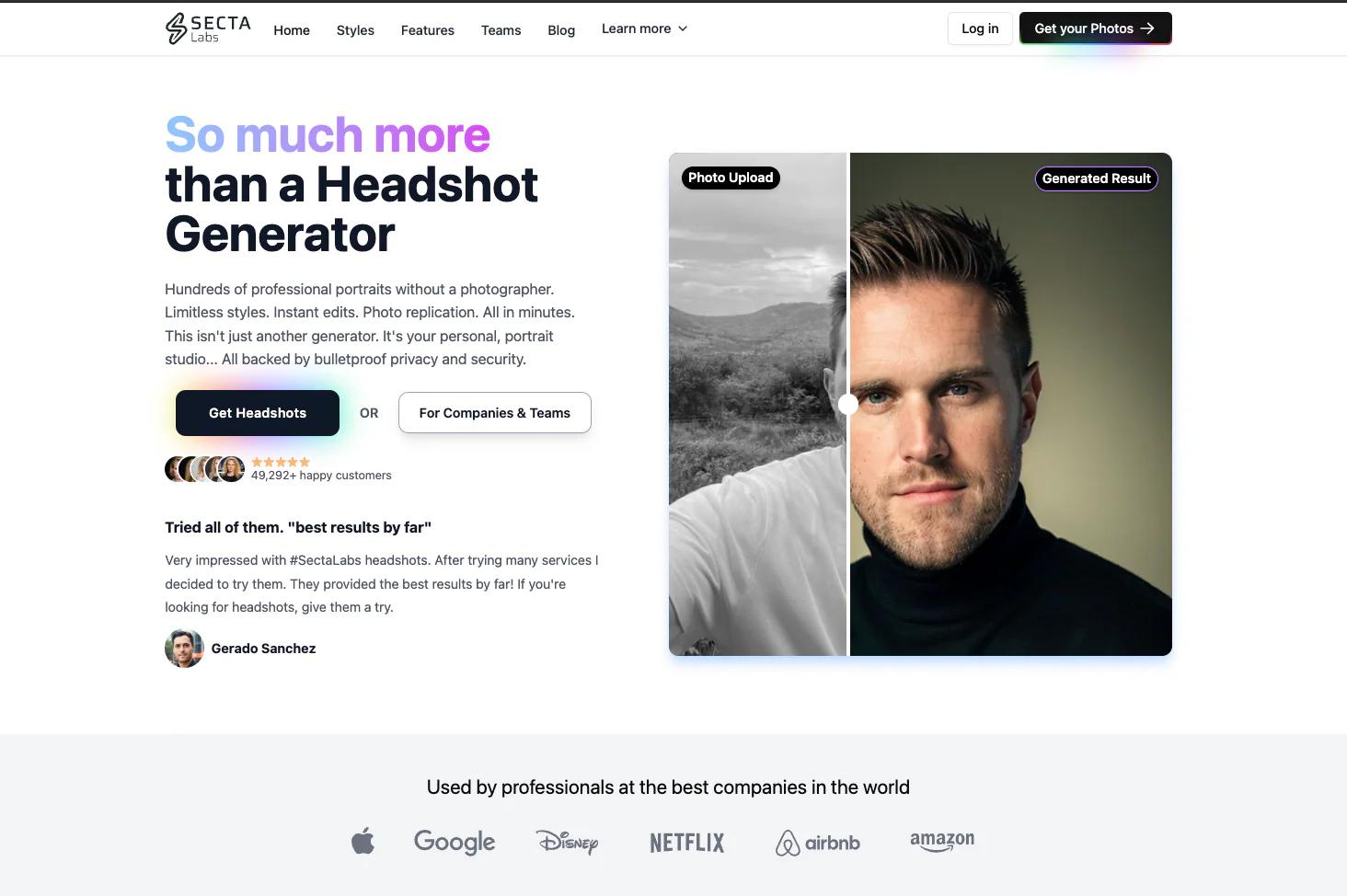
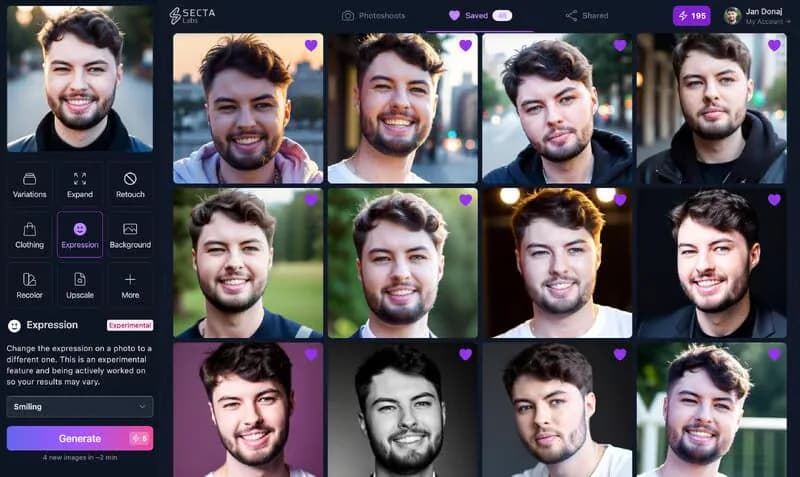
Secta AI is the best pick if you want to spend time tweaking your portraits after they generate. Instead of treating the output batch as final, Secta gives you a built-in remix editor with more than a dozen adjustment tools.
You can swap outfits, change facial expressions, adjust hair or glasses, and replace backgrounds on any portrait you like. Turnaround runs under two hours, and the standard $49 one-time package includes 200+ HD photos backed by a refund guarantee.
The trade-off is effort and cost. Secta asks for 20 to 50 input selfies, and pricing sits higher than budget packs. If you are picky about tiny details and want granular control over the final shot, Secta is the strongest option here.
3. The Multiverse AI
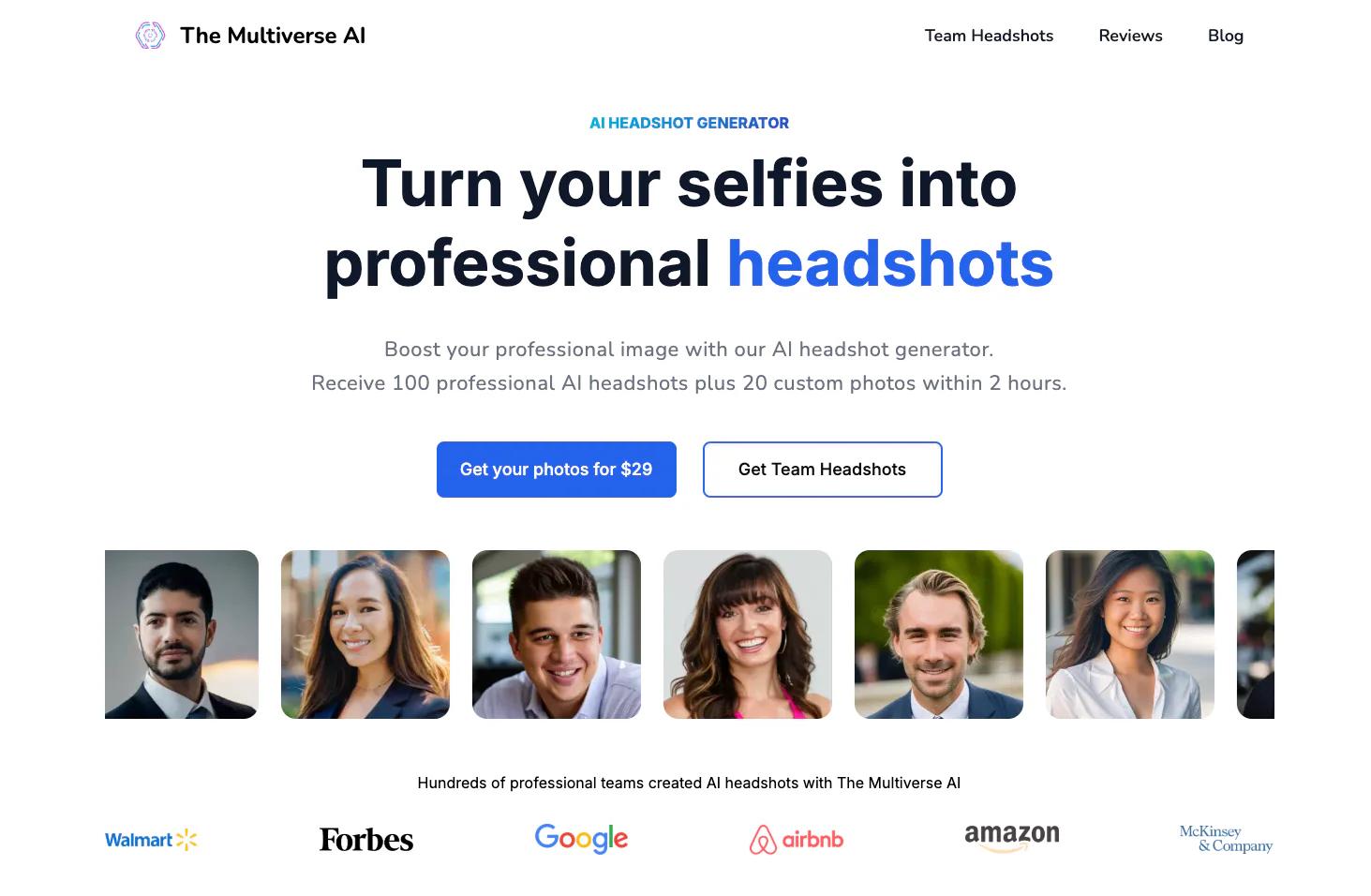
The Multiverse AI keeps pricing simple: $29.99 one-time gets you 100 standard headshots plus 20 custom photos generated from text prompts.
You upload 12 to 15 input selfies. Most orders finish in 10 to 15 minutes (with a 30-minute target). Their text-prompt editor lets you type plain requests like "navy blazer" or "zoom out to show more background" to adjust a shot without starting over. It is a clean middle ground if you want plenty of variations at a flat price.
4. HeadshotPro
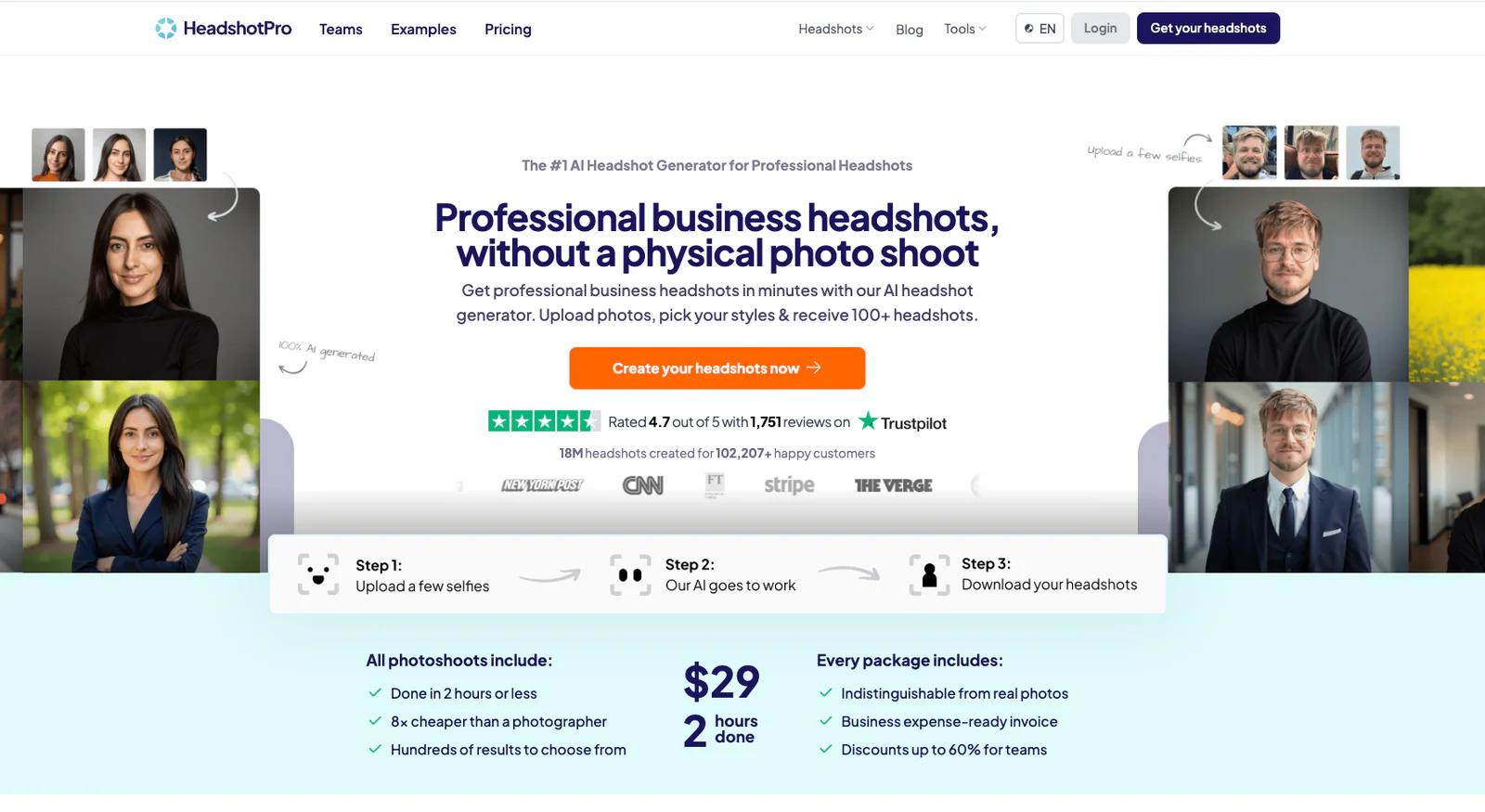
HeadshotPro is built first for companies rolling out matching headshots across distributed teams.
Individual one-time packs run $29 for Basic (30 headshots, ~2 hours), $39 for Professional (50 headshots, 30 minutes), and $59 for Executive (70 headshots, 15 minutes, plus 4K downloads). Every individual shoot includes one free redo if the likeness misses.
Where HeadshotPro pulls ahead is its team dashboard (5 to 1,000+ people), which works from 1 to 3 selfies per employee. Team credits start at $31.20 per person for small orders (5 credits at 20% off $39), drop to $25.35 at 100 credits, and reach $19.50 per shoot at high volume. Admins can lock backdrops and clothing styles so every employee photo on your About page looks like it came from the same studio session. It also offers invoice billing and SOC 2 Type II documentation for larger companies.
5. Aragon AI
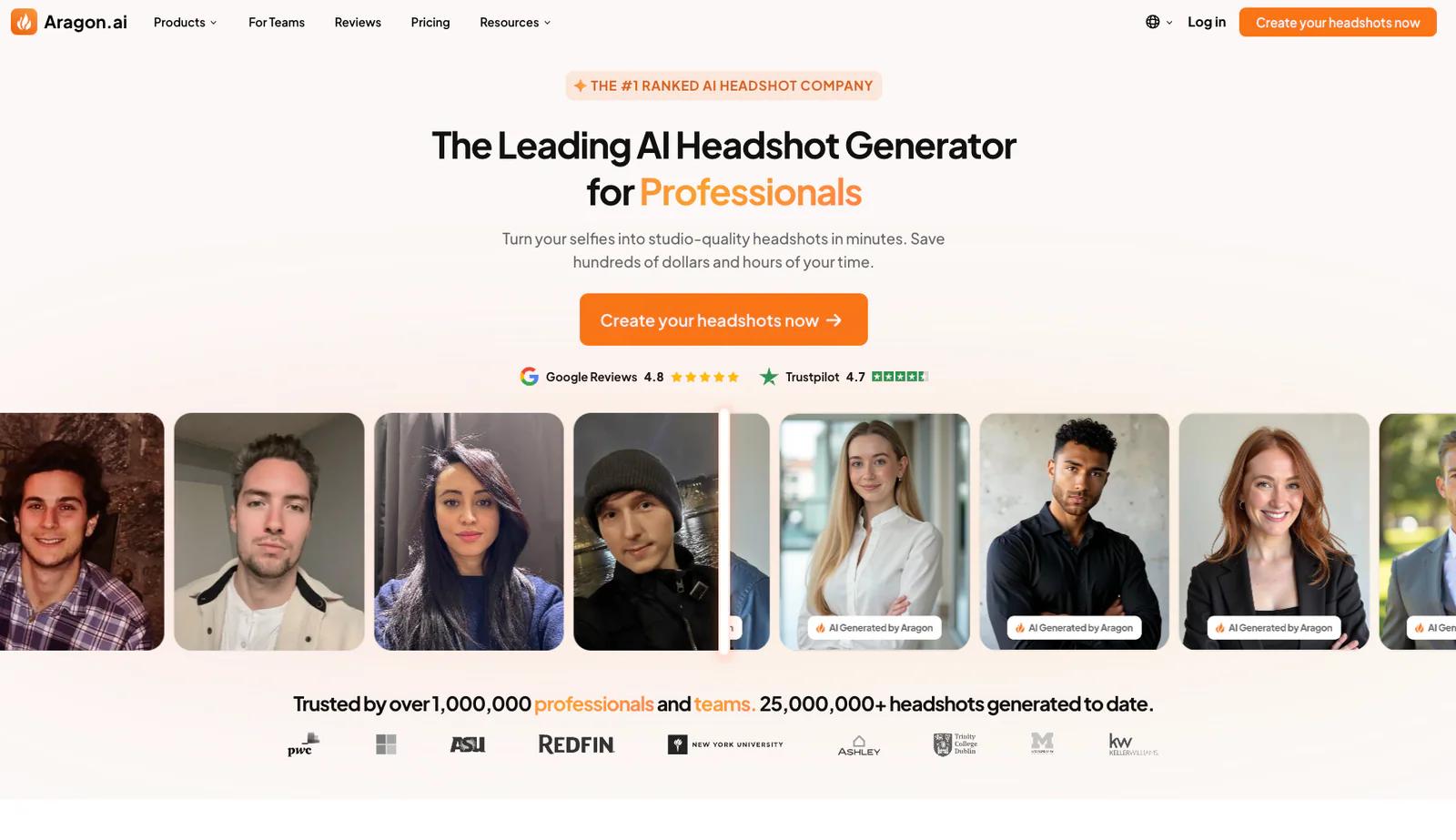
Aragon AI splits its individual pricing into three one-time tiers (promotional pricing shown alongside regular list prices):
- Basic ($35 promo, $44 list): 40 headshots in 45 minutes, 1 attire choice, 1 background choice, standard resolution.
- Standard ($45 promo, $56 list): 60 headshots in 30 minutes, 2 attire choices, 2 backgrounds, standard resolution.
- Executive ($75 promo, $94 list): 100 headshots in 15 minutes, all attires and backgrounds, higher-resolution downloads.
Aragon produces reliable corporate looks and has expanded into a broader AI photo and video suite. The entry tier is pricier than Headshot Generator AI or The Multiverse AI, and the lower tiers limit how many outfits and backdrops you can mix, so it makes the most sense if you already want the Standard or Executive bundle.
How to get headshots that actually look like you
Input photo quality decides how realistic the output looks across every app on this list. Five habits make a visible difference:
- Use natural, even lighting: Stand facing a window. Harsh overhead shadows or dim bar lighting confuse facial geometry.
- Skip heavy filters and sunglasses: Give the model clear, unedited photos where your eyes and jawline are easy to read.
- Stay consistent on hair and glasses: If you wear glasses every day, keep them on in your uploads. If you do not, leave them off. Mixing five-year-old photos with recent ones produces weird blends.
- Vary angles slightly: Mix straight-on shots with slight three-quarter turns and natural expressions instead of uploading ten copies of the same selfie.
- Check teeth, ears, and collars at 100% zoom: Even good models occasionally warp glasses frames or shirt buttons. Always zoom in before uploading to LinkedIn.
Which one should you pick?
- Pick Headshot Generator AI if you want 5 free previews in about a minute before paying and clean HD portraits starting at $9.99.
- Pick Secta AI if you want heavy post-generation editing tools to fine-tune expressions and outfits.
- Pick The Multiverse AI for a flat $29.99 pack with simple prompt-based tweaks.
- Pick HeadshotPro if you are organizing matching portraits for a 10-person or 200-person team.
- Pick Aragon AI if you prefer preset corporate bundles and fast 15-minute turnaround on the Executive tier.
None of these will replace an in-person editorial portrait shoot for a magazine cover. For LinkedIn, founder bios, resumes, and remote team pages, though, they save hundreds of dollars and deliver usable photos the same afternoon.

Written by
Ilias IsmIlias is the co-founder of MagicSpace SEO, helping small businesses grow with SEO. With a decade of experience as a CTO and marketer, he offers SEO consulting and SEO services to clients worldwide.
- Built and sold Officient ($500k+ MRR)
- 20+ products generating $10M+ revenue
- 1000+ students taught SEO
MagicSpace SEO, Zug, Switzerland
SEO audits, monthly plans and link building for software companies
Run by the founders, Ilias Ism and Sasha. Rated 5.0 on Clutch.
Or get a recorded SEO audit • Both include next steps and an intro to our services
Keep reading
How to Extract Text From Video: 5 Methods Compared (2026)
How to extract text from video: spoken words and on-screen text need different tools. Five methods compared, with prices and where each one falls short.
15 Best AI Customer Support Agents Compared
The 15 best AI customer support agents, compared on features, pricing and real results.
5 Best AI Presentation Makers, Tested
We tested dozens of tools to find the best AI presentation makers in 2025. Whether you're a student, teacher, marketer, or startup founder, these tools will save you hours and make your slides look like a pro did them.